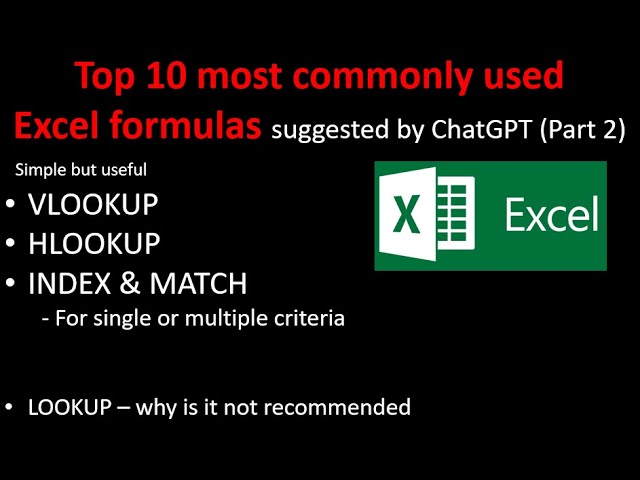
Welcome to Part Two: Top 10 Most Commonly Used Excel Formulas suggested by JG. Today, we will focus on Lookups. In Excel, we have three types of Lookups: the simple Lookup, Vertical Lookup, and Horizontal Lookup. In this article, we will discuss why Vertical Lookup is very useful and why Index Match is even more powerful. Lastly, we will explain why VLOOKUP is not recommended.
Let’s start with Vertical Lookup. Suppose we have three columns of data: Region Code, City, and Sales. Now, we want to find the sales for a corresponding Region Code. We can use the VLOOKUP function. The first argument is the lookup value, which is the Region Code we want to look up. The second argument is the table array, which is the range of data. The third argument is the column index number, which is the column where the sales data is located. Finally, we specify whether we want an approximate match or an exact match. By using VLOOKUP, we can easily find the sales for a specific Region Code.
However, there are some limitations to VLOOKUP. If we have multiple rows with the same Region Code, VLOOKUP will only return the first row of data. If we want to find the exact match or specify multiple conditions, we can use the Index Match combination. Index and Match are two separate formulas that we combine to create a lookup function. First, we use Match to find the row number within an array based on certain conditions. Then, we use Index to find the value we want to look up.
Now, let’s move on to the more advanced Index Match function. Suppose we want to find the total parts produced in a specific year for a specific machine and material. We can use Index Match to look up the value with two or more conditions. First, we specify the array, which includes all the data we want to look up. Then, we use Match to find the row number based on the conditions. Finally, we use Index to find the value we want to look up. By using Index Match, we can easily find the desired value with multiple conditions.
In conclusion, Excel formulas such as VLOOKUP, Index Match, and other lookup functions are powerful tools for data analysis and manipulation. They allow us to easily retrieve and analyze data based on specific conditions. By understanding and utilizing these formulas, we can enhance our Excel skills and improve our efficiency in data analysis and reporting.
If you want to learn more about Excel formulas and their applications, stay tuned for our next article. Thank you for reading!


