In this article, we will learn how to integrate ChatGPT with WordPress. We will explore the process of generating unique and long articles using ChatGPT, which can be seamlessly integrated with your WordPress website.
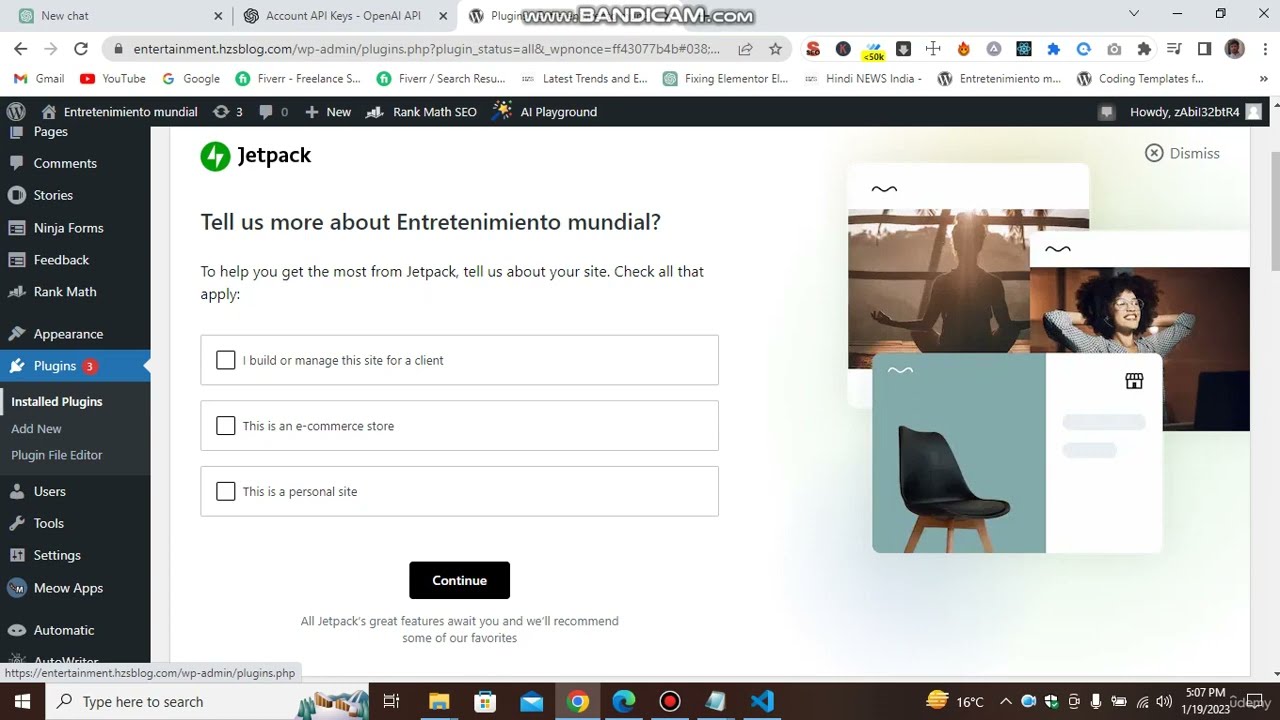
Before we begin, it is recommended to create a separate domain for practice purposes. This will allow you to experiment without the risk of damaging your main domain. Once you have set up your practice domain and opened your WordPress admin dashboard, follow the steps below:
Install the ChatGPT plugin: Go to the ‘Plugins’ section in your WordPress dashboard and click on ‘Add New’. Search for ‘ChatGPT’ and install the plugin.
2
. Configure the plugin: After installing the plugin, go to the plugin settings and enter your API key. You can obtain an API key from your OpenAI account. Make sure to save the API key.
3. Generate content: In the plugin settings, select the language for your articles (in this example, we will use English). Choose the number of headings you want in your article. You can also enable options like images, tagline, and introduction.
4. Save the settings: Once you have configured the plugin settings according to your preferences, save the settings.
5. Create new articles: To generate articles, go to 'ChatGPT' in your WordPress dashboard and click on 'Add New'. A new page will open where you can start creating your article.
By following these steps, you can easily integrate ChatGPT with WordPress and generate unique and engaging content for your website. In the next article, we will explore advanced techniques for content generation using ChatGPT.
Remember to always use your own API key and avoid using the provided example key. This will ensure that you have full control over your generated content.
Stay tuned for the next article where we will dive deeper into the content generation capabilities of ChatGPT!