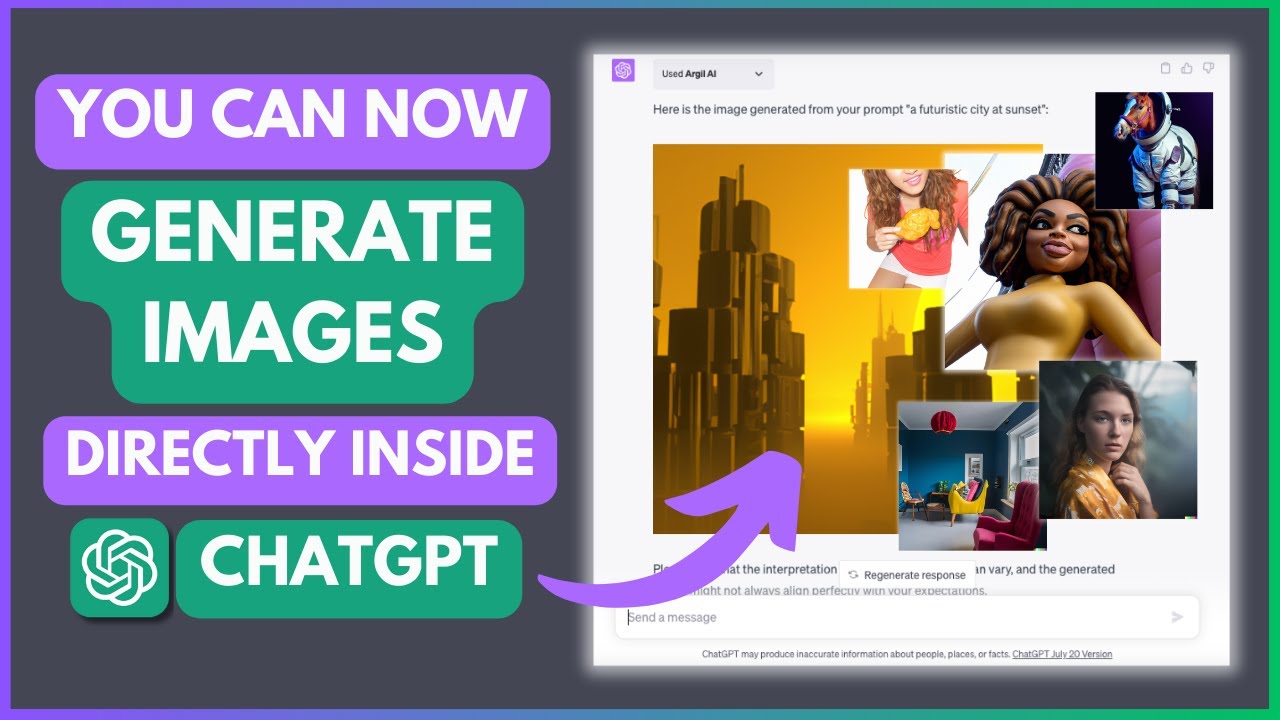
In this article, I will show you how to create images directly inside your GPT using a plugin called Argue AI. To get started, go to the ChatGPT website and install the Argue AI plugin from the plugin store. Once installed, authorize the plugin and enable it in your chat.
Argue AI uses a model similar to Dali, developed by OpenAI, to generate images from textual descriptions. To generate an image, you provide a text prompt describing the image you want to create. The plugin then uses this prompt to generate an image that matches your description. The generated image is returned to you.
The quality and accuracy of the generated images can vary based on the complexity of your prompt. It's important to be specific and provide clear instructions in your prompt. The plugin supports different image styles, such as realistic, cartoon, photorealistic, watercolor, and minimalist. You can also specify the mood or theme of the image, such as vibrant, festive, playful, cozy, powerful, adventurous, or healthy.
In my testing, I tried generating images in different categories. For example, in the animals category, I generated a cute bunny eating a carrot in a pastel style with an innocent mood. In the food and drinks category, I generated a delicious pizza with all the toppings in a realistic style with a savory mood. In the urban/city category, I generated a busy city street at night in a realistic style with a vibrant mood. In the people category, I tried generating images of kids playing in the park, a confident businesswoman in a cityscape, and an excited traveler exploring a new city. In the objects category, I generated images of colorful balloons floating in the sky in a watercolor style with a festive mood, a cup of steaming hot coffee in a realistic style with a cozy mood, and a smartphone in an enhanced photorealistic style.
While the plugin can generate impressive images, it's important to note that the interpretation of the prompt by the AI can vary, and the generated image may not always perfectly match the expected output. It's also worth mentioning that generating images of celebrities may not work well with the plugin.
Overall, the Argue AI plugin is a useful tool for generating images directly within GPT. It can be used for various purposes, such as creating visuals for articles or other content. Just remember to be specific and experiment with different prompts and image styles to get the desired results.
If you're interested in technology, AI, and other GPT plugins, consider subscribing to my channel for more videos. Thank you for watching and have a great day!