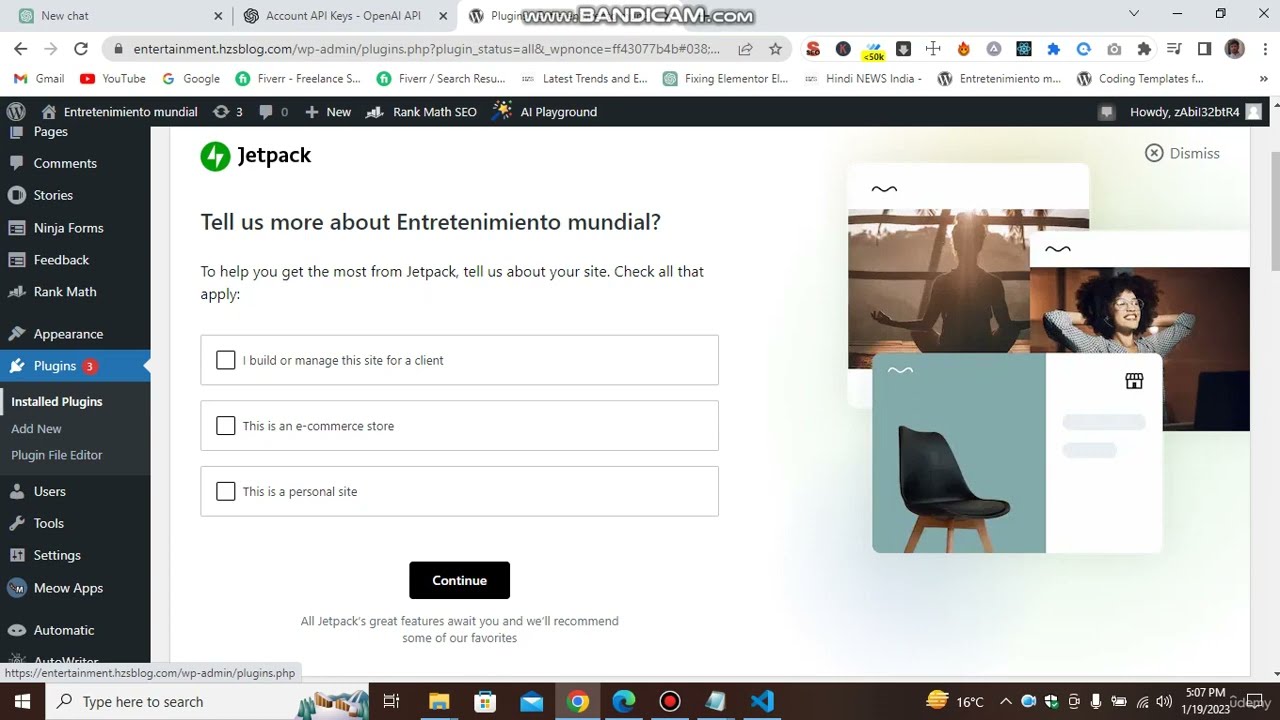
Now in this video, we will be learning about how to create an article. From here, you can also select the language. So, on runtime, if you want an article in any other language, you can simply click on the language. There are multiple languages available. Okay, let’s start by selecting English. Now, let’s talk about mobile phones. I will also write about mobile phones because I don’t have any other ideas. So, if you want to add some keywords, you will have to buy the plugin, which is only available in Pro mode. You can make keywords bold in Pro mode, and this setting is also available in Pro mode. Now, how many headings do you want? Let’s say I want 10 headings. You can modify the headings by selecting the headline tags, such as H1, H2, H3, or any heading you want. You can also change the headings after generating the article. Now, let’s talk about the writing style. You can choose from a variety of writing styles, but for this article about mobile phones, I will choose Silly Joe’s informative style. It must be informative. You can also set the anchor tag and the targeted URL if you want. You can also set the call to action position, such as beginning or any other position you want. Now, let’s talk about the meta description. Here, you can add tags if you want. After any tag, simply hit comma and enter a new tag. After doing all these settings, click on generate. It may take some time, but it will generate the headings and the content for all the headings. In the meantime, let me show you how to access your API. Go to the first link and click on login. Select your account and enter your email. It will redirect you to the OpenAI website. Verify that you are a human. Now, select your OpenAI API. You can create a new API key or use your previous API keys. Now, let’s check the length of our article. Go to the word counter and paste the article. It is a 3018-word long article and 19,227 characters long. Now, let’s check it for plagiarism. Unfortunately, the free version of the plagiarism checker tool does not support more than 1000 words. But with a unique and long article like this, you can expect it to be 100% unique. Generating money with shared GPT is the future of content creation. So, as you can see, our article is 100% unique. You can now copy the article and paste it wherever you want. You can add images, text, videos, or anything you like. That’s how you create an article step by step.